Skip to product information
WiFi LED Light Bulbs™ - RS Store
1/16

15 reviews

WiFi LED Light Bulbs™

$10.24
In Stock (130 available)
Emitting Color
Color
Support Dimmer

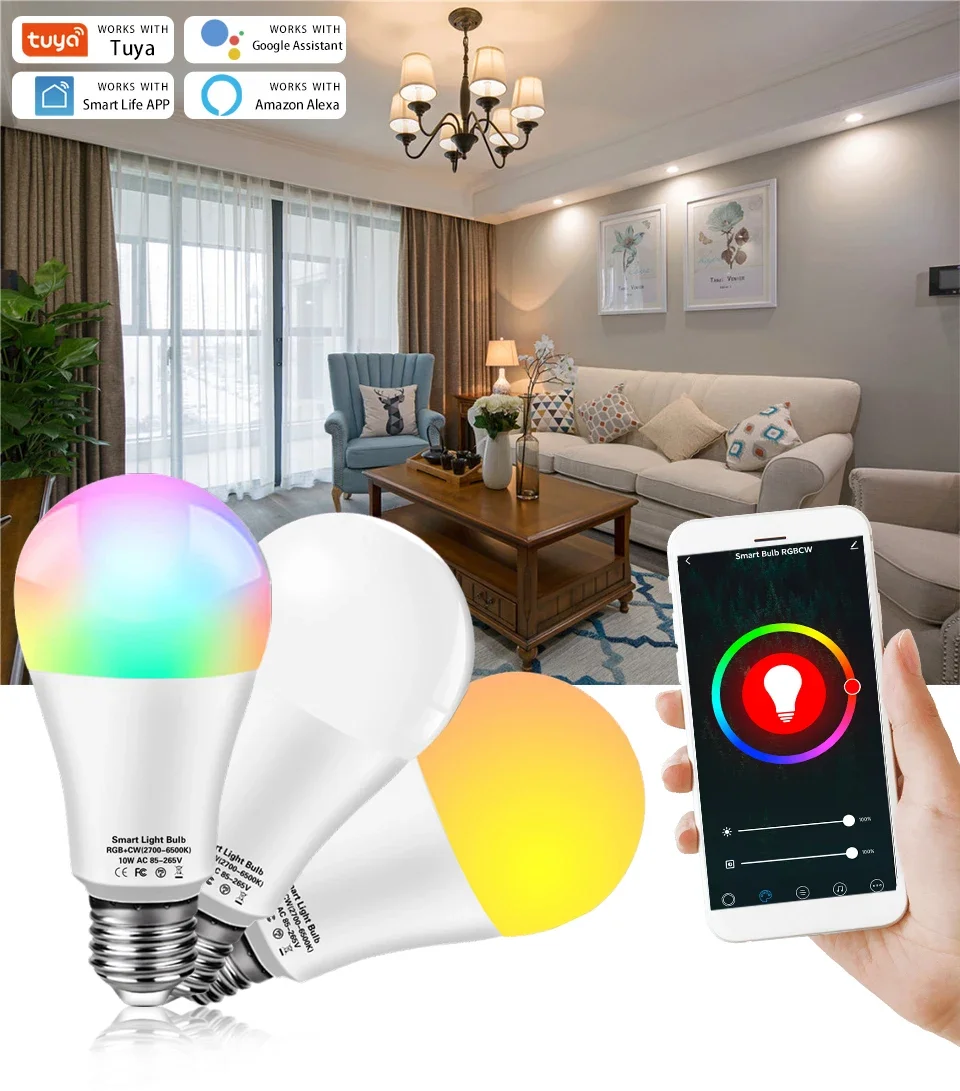
WiFi LED Light Bulbs

💡 How to Connect the Smart LED Bulb

  1. Download the App
    • Install “Tuya Smart” or “Smart Life” from your phone’s app store.
  2. Register & Sign In
    • Open the app, create an account, and log in.
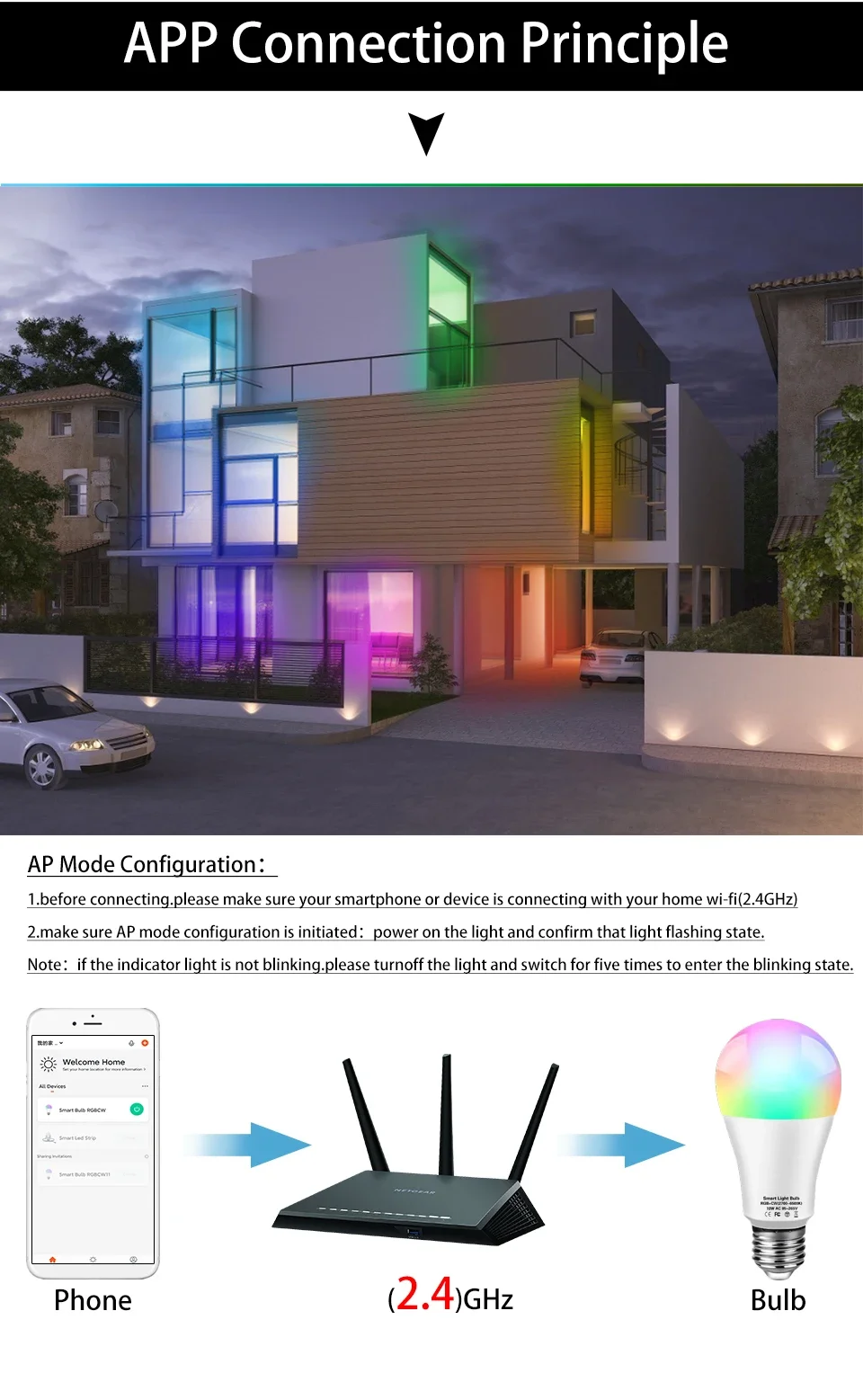
  3. Put Bulb in Pairing Mode
    • Turn the bulb on and off 4–6 times until it flashes rapidly (about 5 times in 2 seconds).
    • This flashing indicates the bulb is ready to connect.
  4. Add Device in the App
    • Tap “+” → Add Device → Light is flashing.
    • Select your 2.4GHz Wi-Fi network (not 5GHz).
    • Enter your Wi-Fi password and tap Connect.
  5. Finalize Setup
  • Wait until the bulb connects fully.
  • Tap the device name (e.g., “Light”) → My Device → select it to start controlling.

📌 Tip: If you don’t have a 2.4GHz Wi-Fi, you can share a hotspot from another phone.


⚙️ Specifications

  • Type: Tuya WiFi Smart LED Bulb
  • Socket: E27
  • Power Options: 10W / 15W / 20W
  • Voltage: AC 220V / 110V
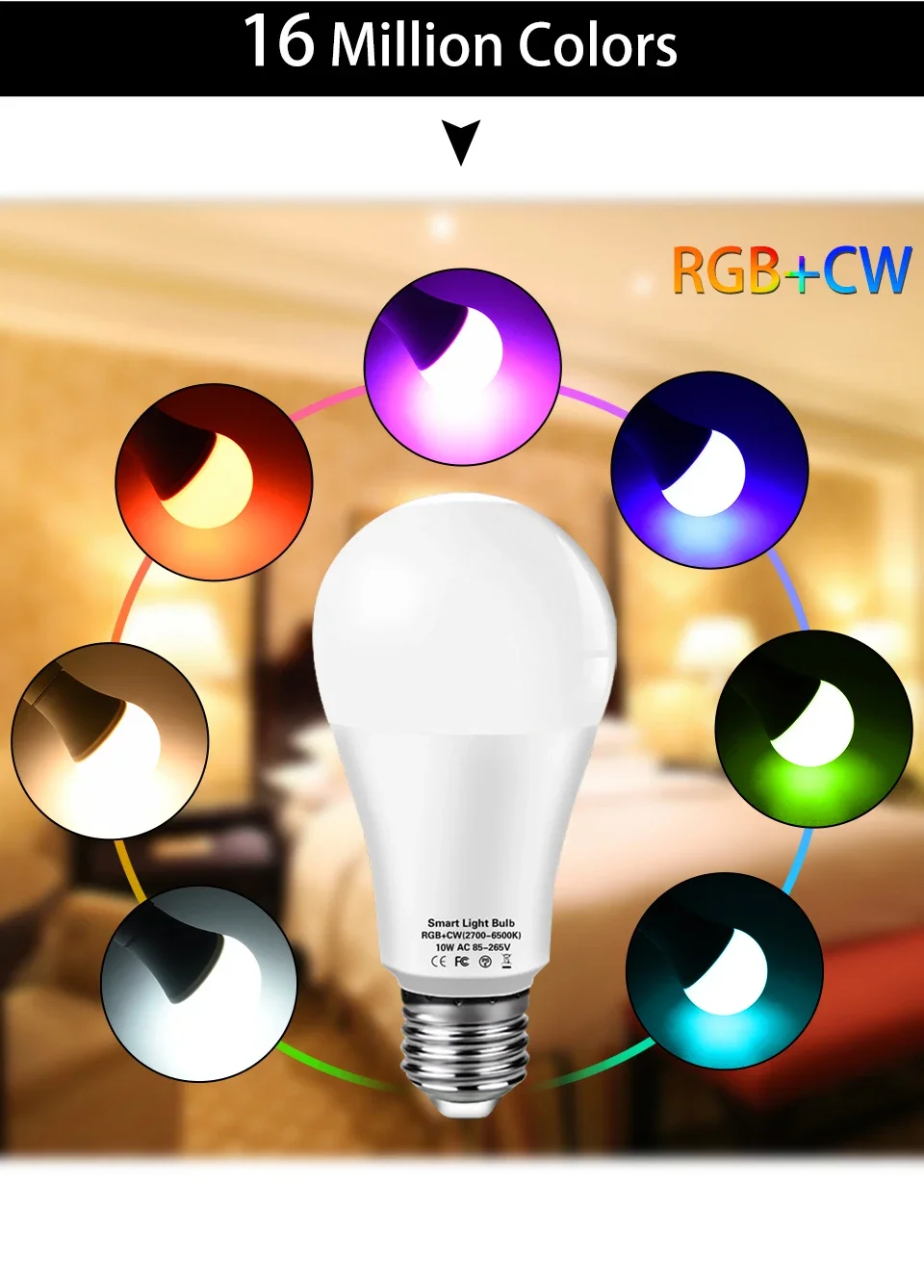
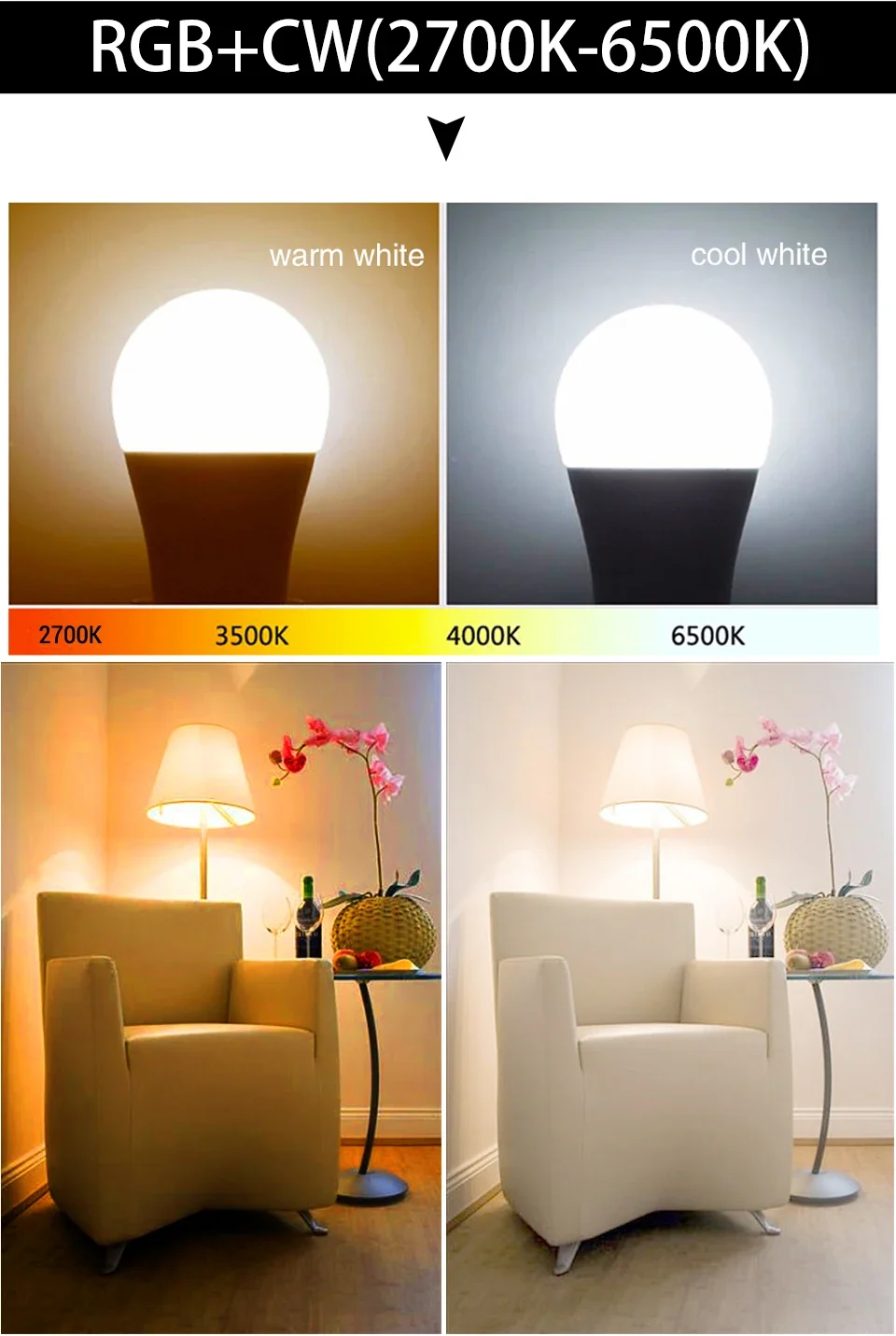
  • Light Colors: RGB + Warm White + White (2800K–6500K)
  • CRI: >85 (good color rendering)
  • Network: 2.4GHz Wi-Fi only
  • App: Smart Life / Tuya Smart


Features

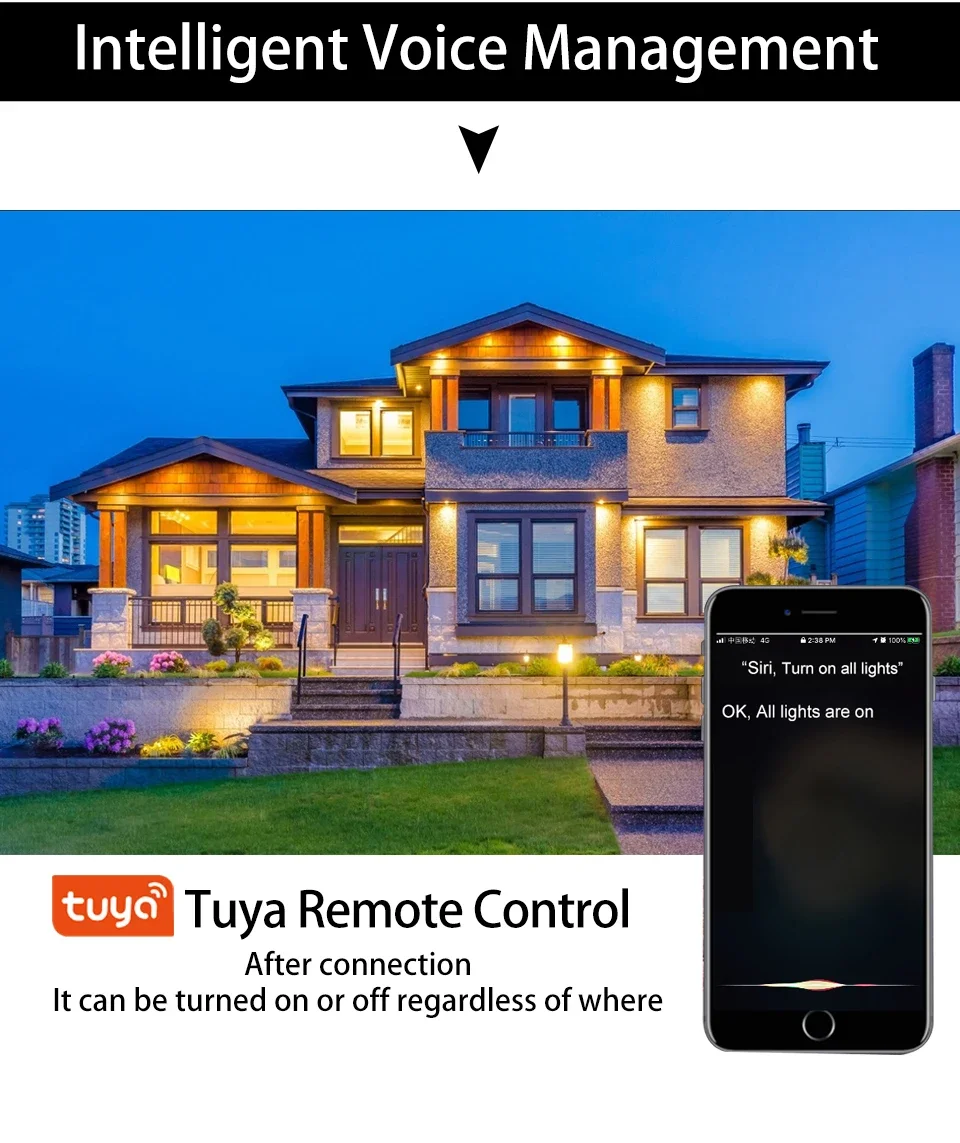
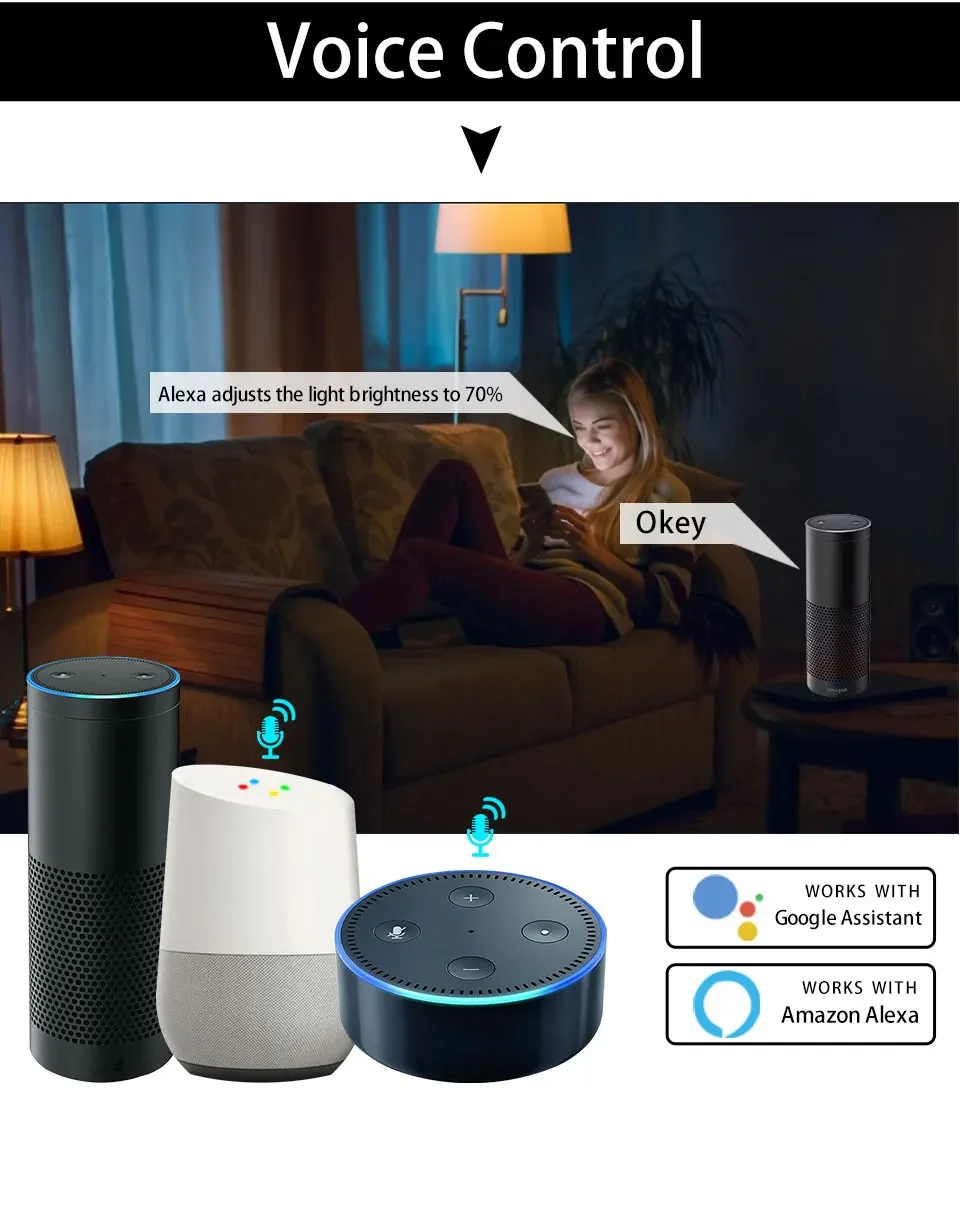
  • 🎙️ Voice Control – Works with Amazon Alexa, Google Home Assistant, Yandex Alice, and IFTTT.
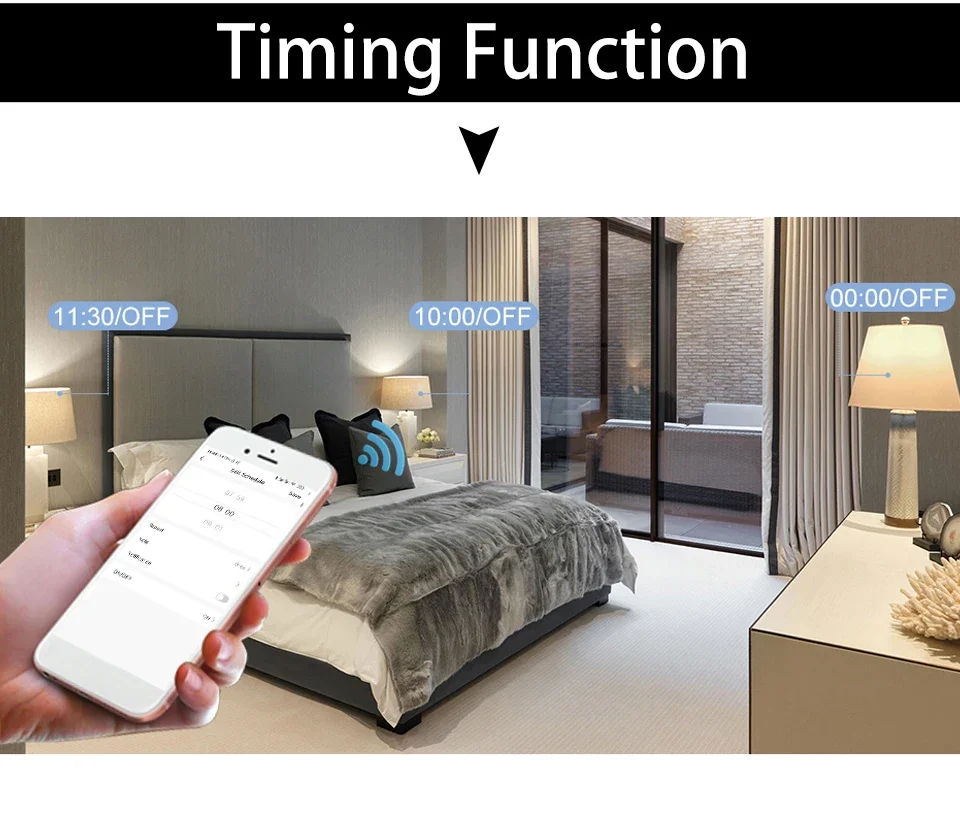
  • Timing Control – Schedule lights to turn on/off automatically.
  • 📱 Remote Control – Control your bulb from anywhere via the app.
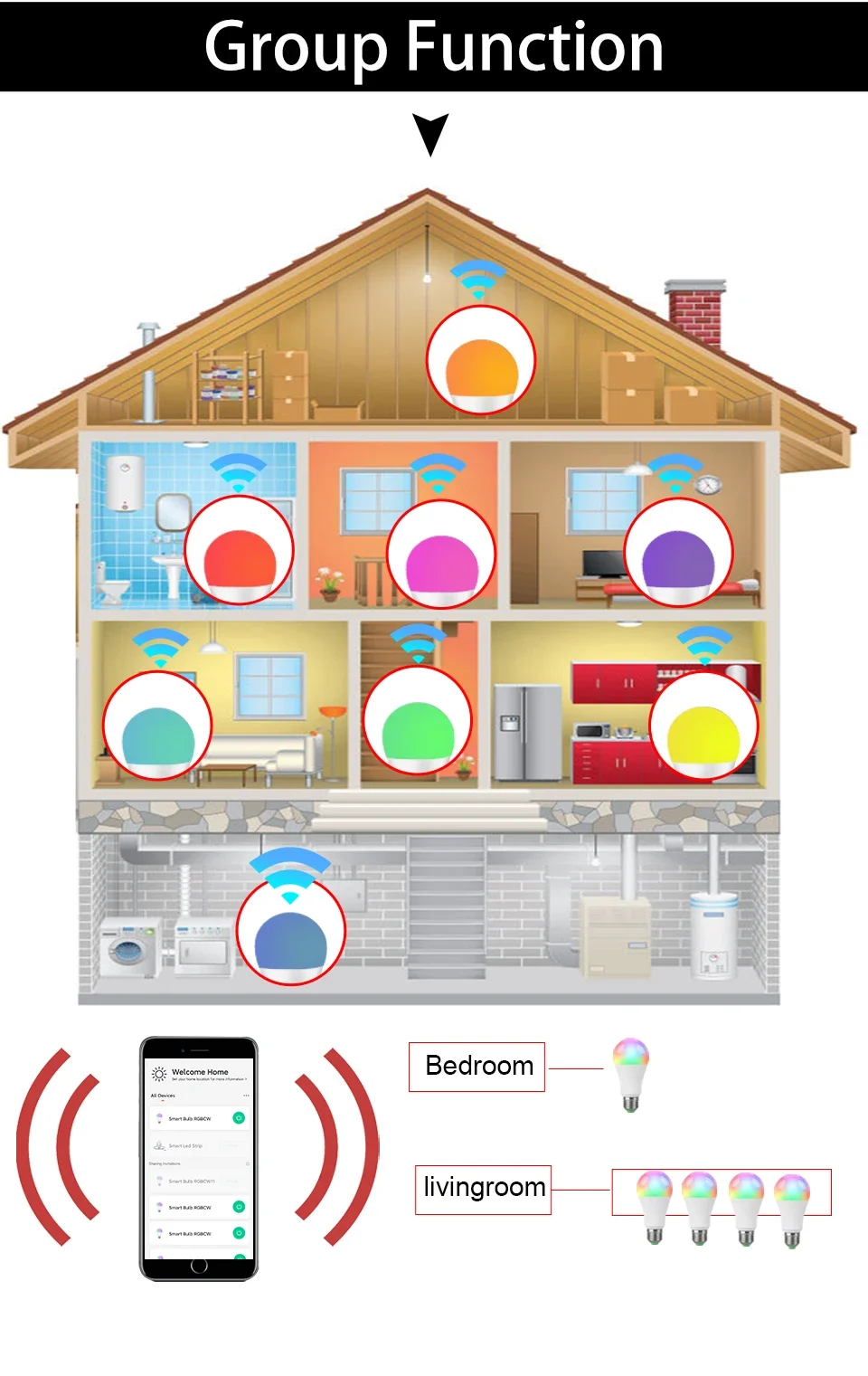
  • 👥 Group Control – Manage multiple bulbs together for scene settings.
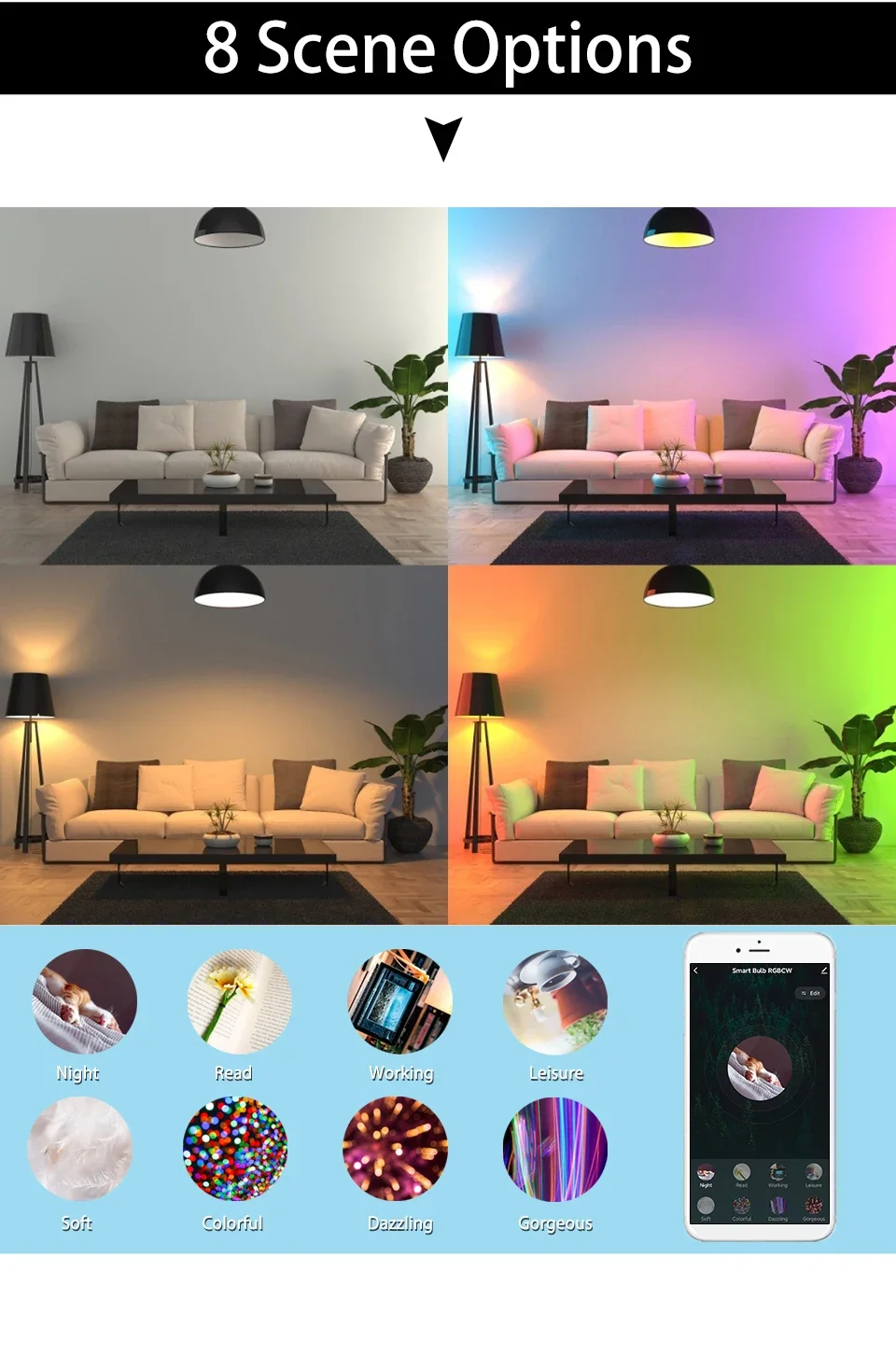
  • 🌈 Dimmable & Color Changing – Adjust brightness and switch between RGB, warm white, and cool white.


You may also like