Skip to product information
Wooden Digital Alarm Clock Niditon™ - RS Store
1/19

15 reviews

Wooden Digital Alarm Clock Niditon™

$18.63
In Stock (73 available)
Color

⏰ Wooden Digital Alarm Clock Niditon

⚠️ Important Notes

  • Powered by USB plug-in only. AAA batteries are for backup memory use only, not for powering the display.
  • Temperature precision: ±1–2℃.
  • To keep the LED display lit continuously, press the Down button and select “-:Sd” to turn off sound-control mode.
  • In sound-control mode (when using AAA batteries), the screen turns off after 10 seconds to save power. Clap your hands or tap the clock (≥60dB) to reactivate.


Features

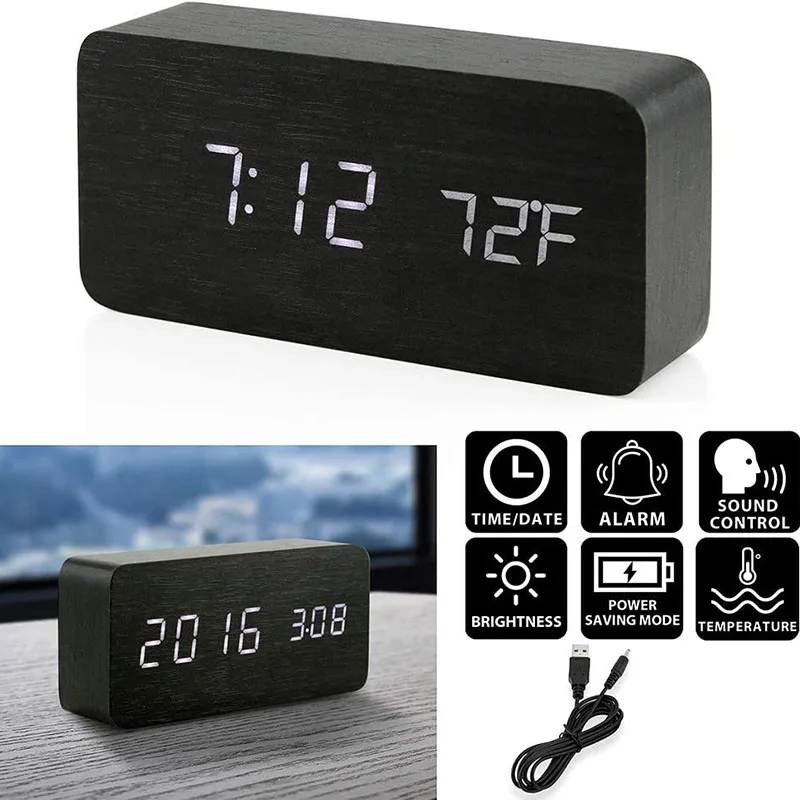
  • ⏱️ 3 Alarm Settings
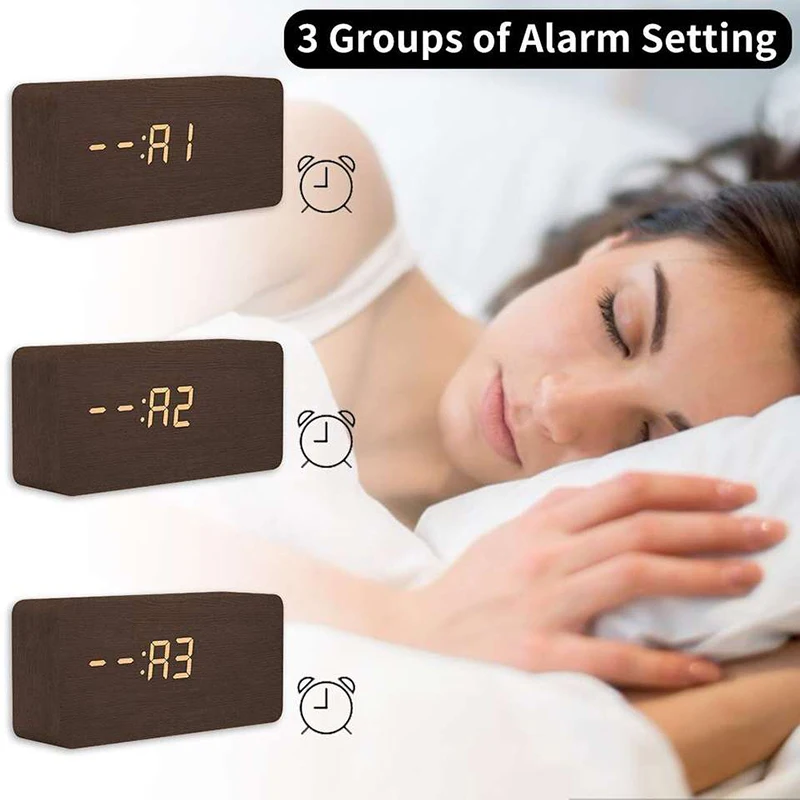
    Set up to three alarms with 12/24H time formats and temperature display (°C/°F). Each alarm rings for 1 minute, ensuring even deep sleepers wake up.
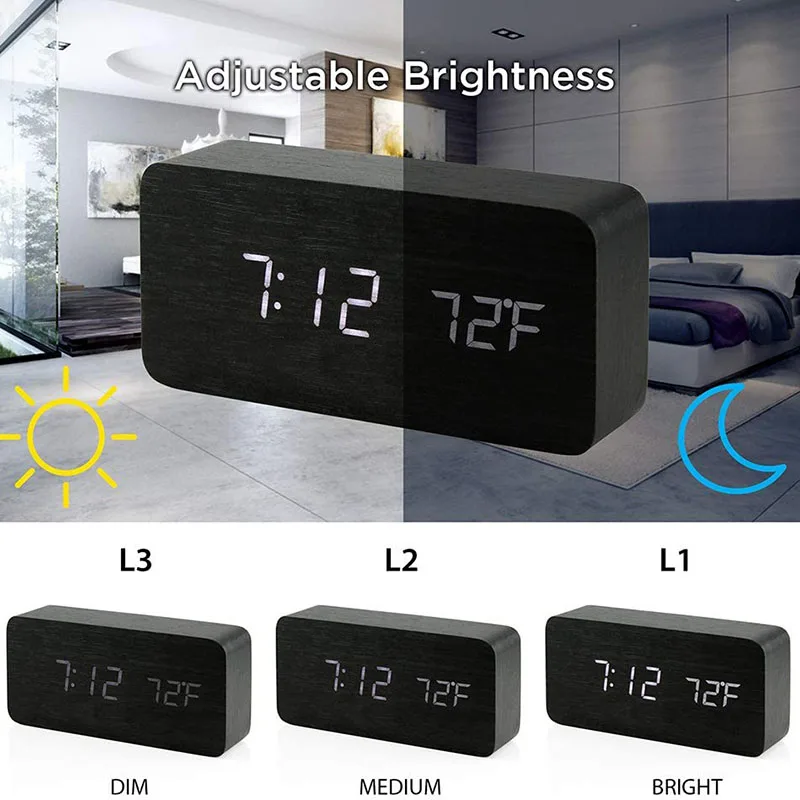
  • 💡 Adjustable Brightness
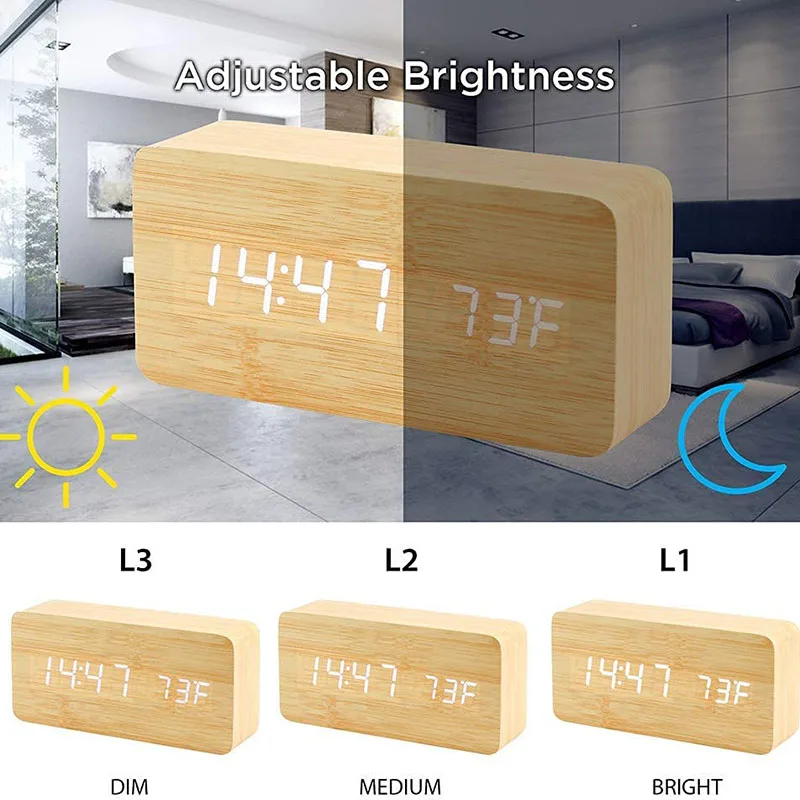
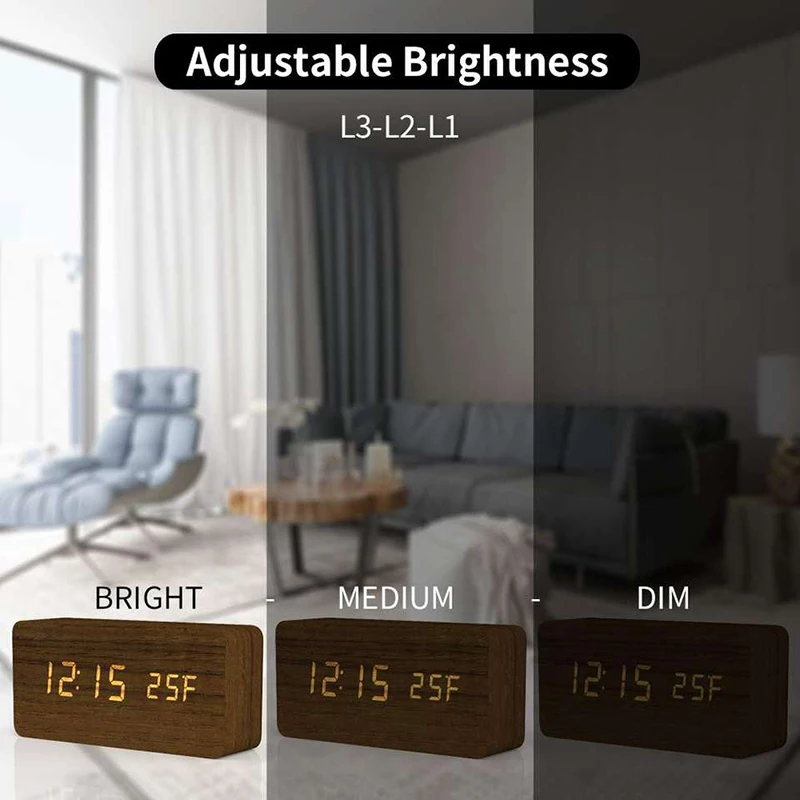
    Choose from 3 brightness levels (low, medium, high) to suit your environment and protect your eyes.
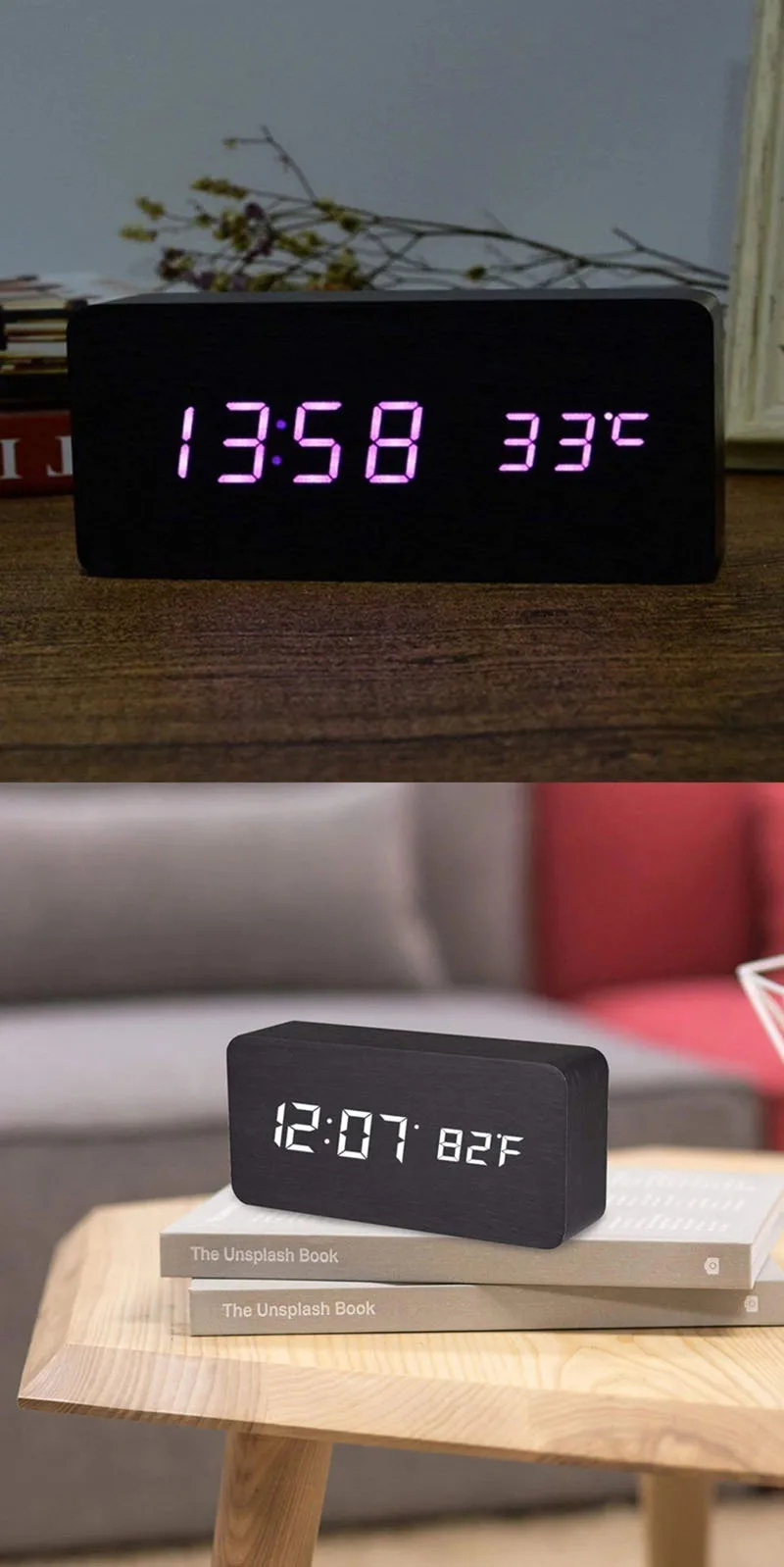
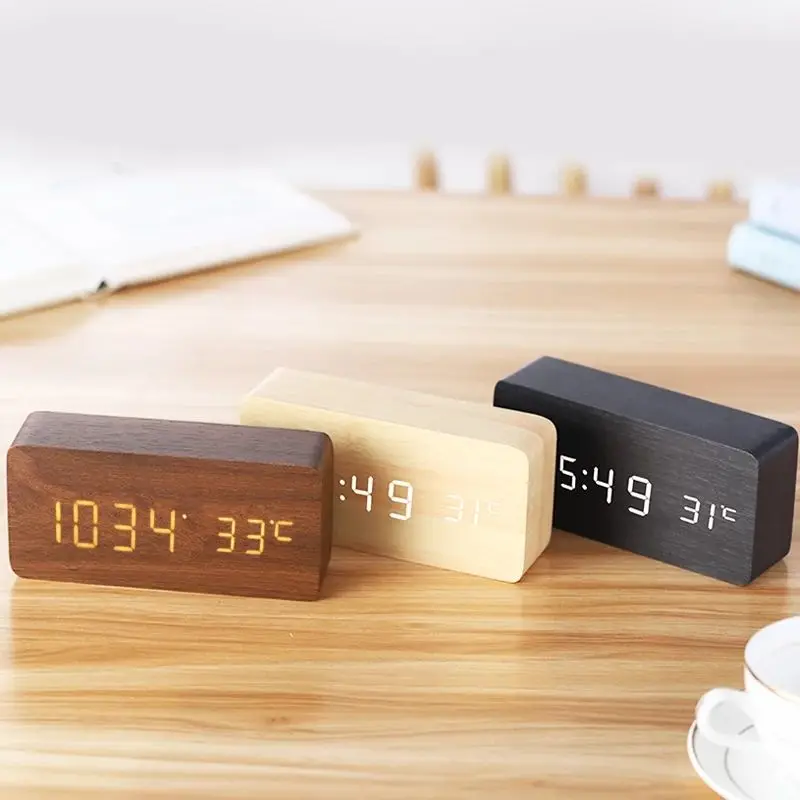
  • 🌿 Natural Wooden Appearance
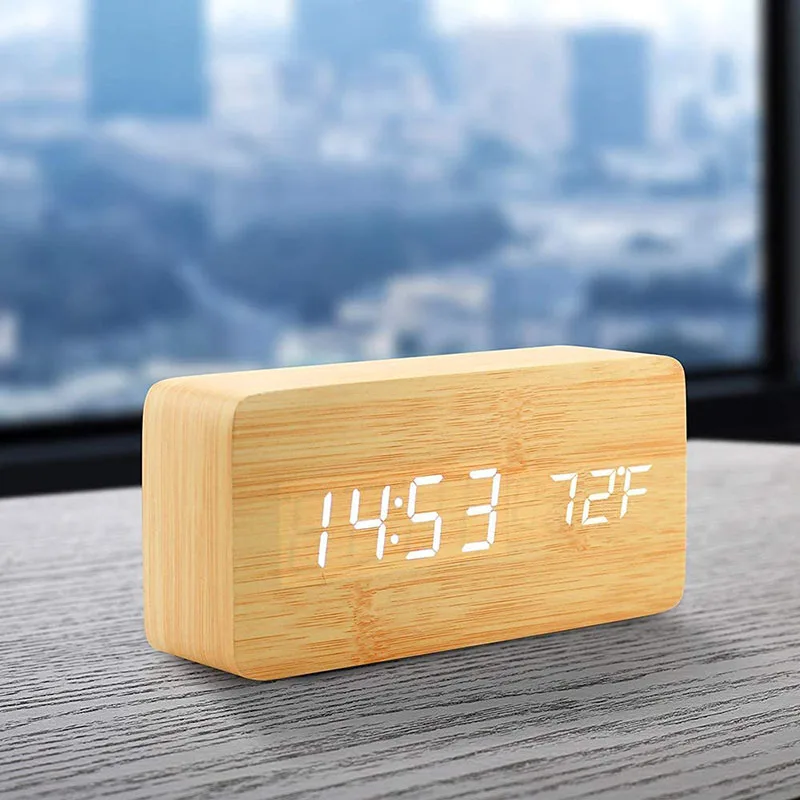
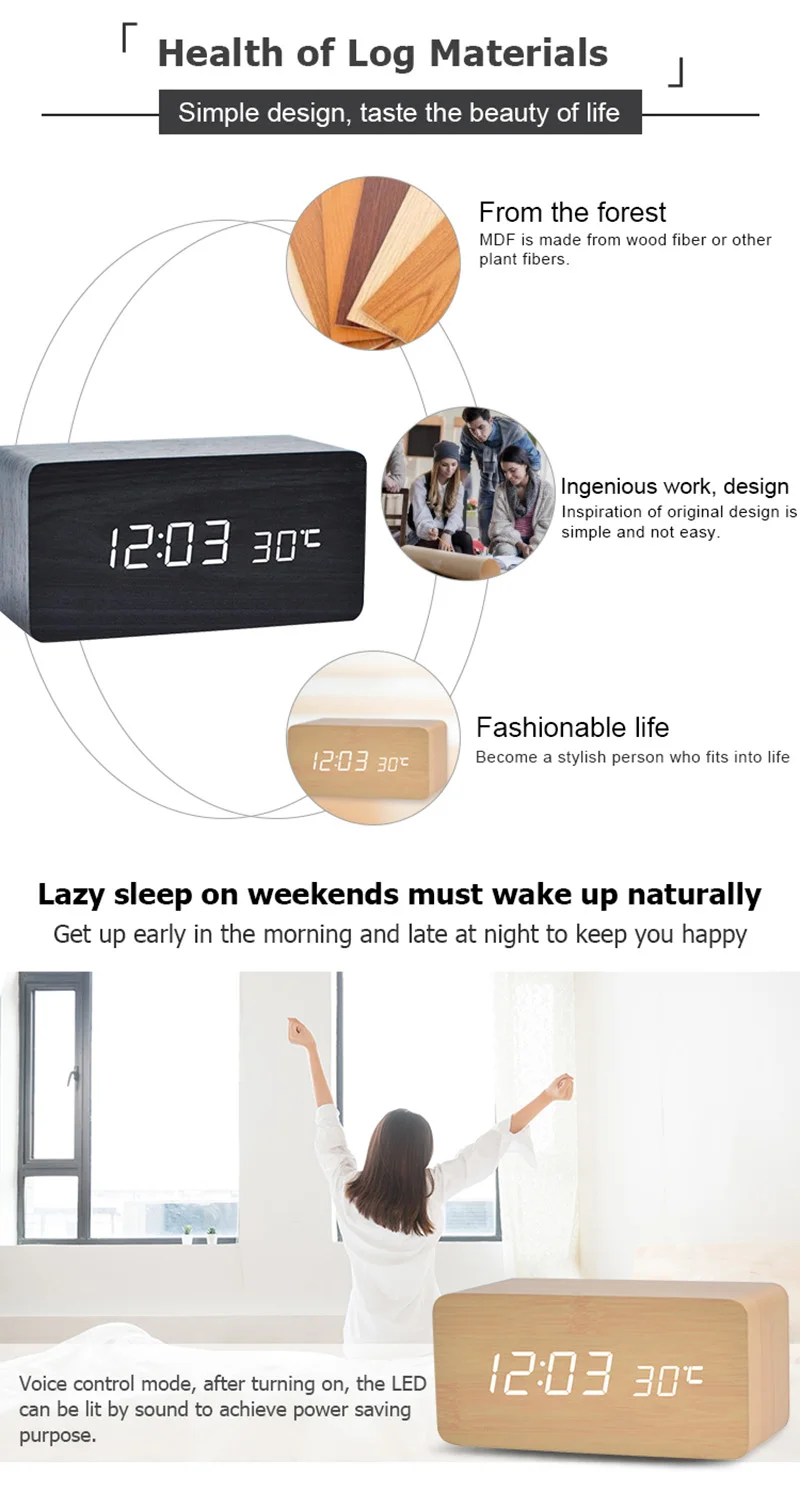
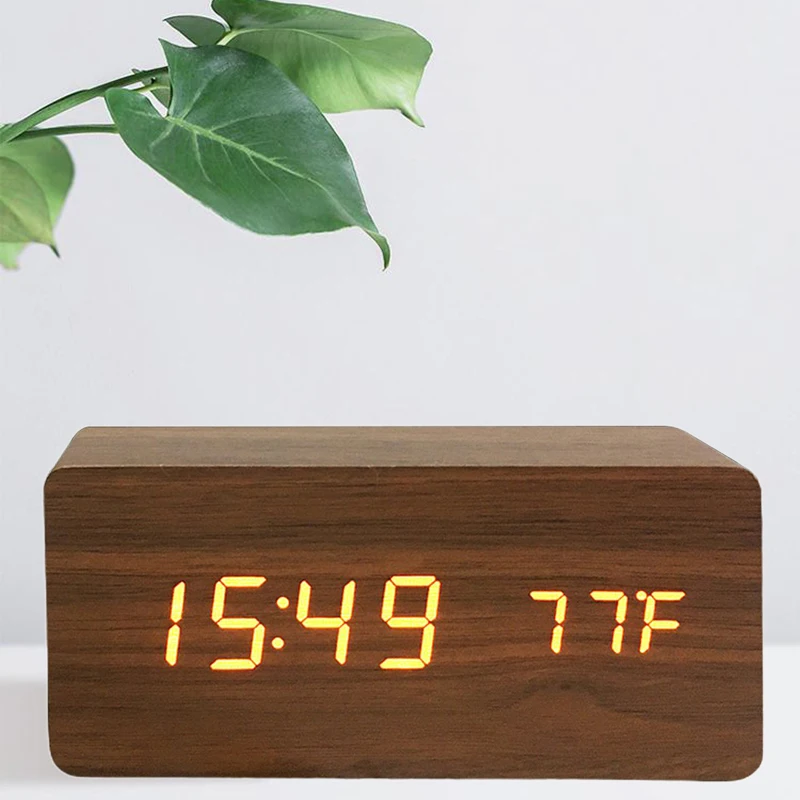
    Retro wood grain design blends technology with décor, making it both functional and stylish.
  • 🎁 Perfect Gift
    Elegant vintage look makes it a thoughtful present for friends or family.
  • 🔋 Sound-Control Mode (Power-Saving)
    Screen turns off after 10 seconds when on battery mode. Reactivate with sound or touch.


💡 Product Functions

  • Power Supply: USB plug-in (DC cable included, adapter not included)
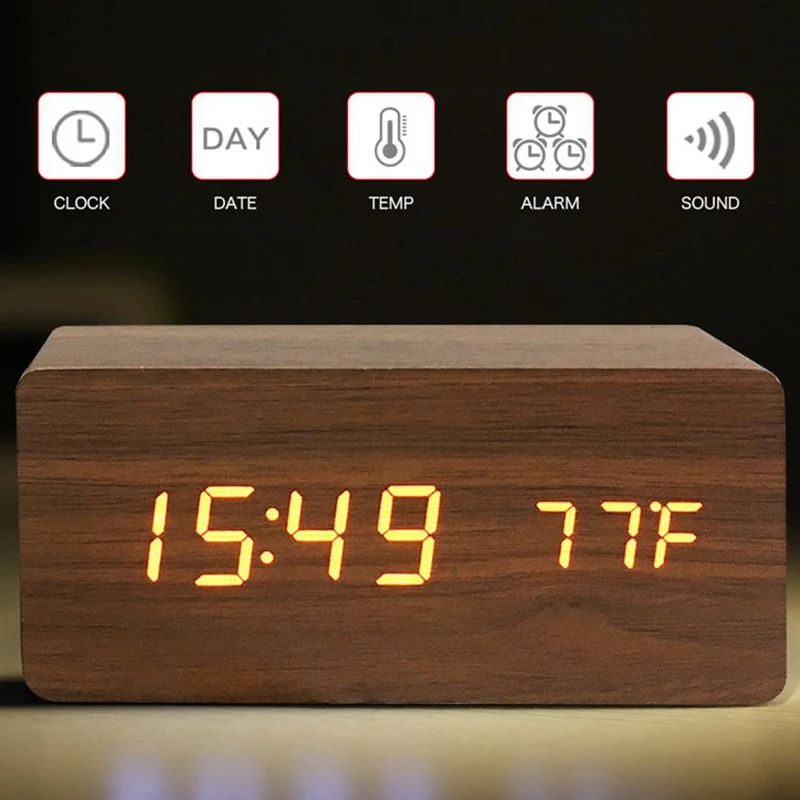
  • LED display with time, date, and temperature
  • 12/24H format switch
  • 3 brightness levels
  • Memory function with CR2032 backup battery


📦 Specifications

  • Material: ABS
  • Color: White
  • Input Voltage: USB 5V/1A
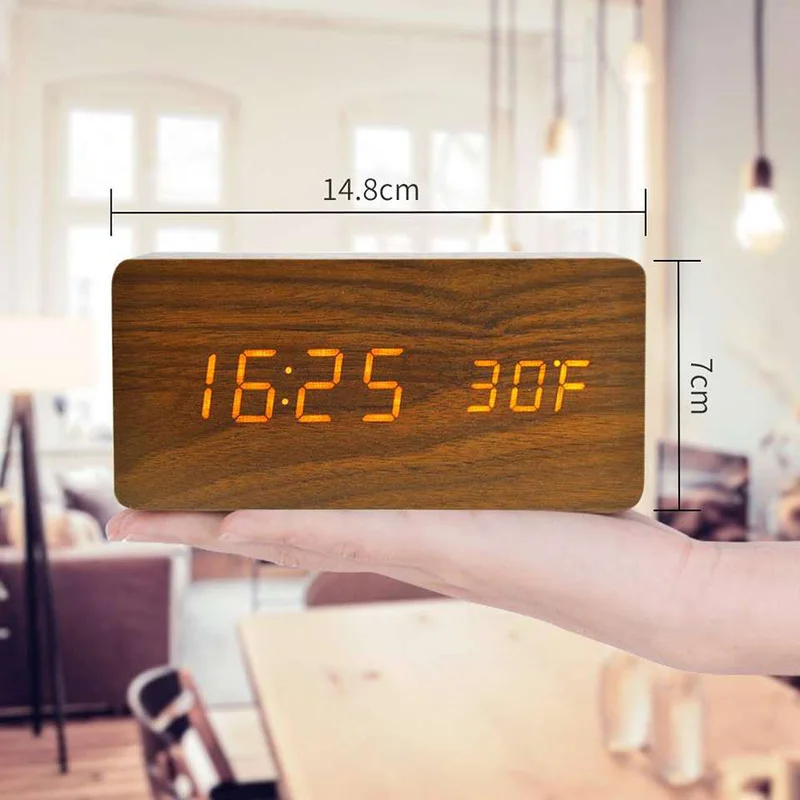
  • Size: 15 × 7 × 4 cm (Square)
  • Battery: 1 × CR2032 (included), 4 × AAA (not included, for backup only)


📦 Package Includes

  • 1 × Wooden LED Alarm Clock
  • 1 × User Manual
  • 1 × Power Supply Cable


📖 Simple Manual

  1. Display Mode Select (DP-1/DP-2): Press SET to switch.
  2. Sound Control Mode: Press DOWN → “on:SD” (enabled) / “-:SD” (disabled).
  3. Temperature Format: Press UP to switch between ℃/℉.
  4. Time & Alarm Settings: Press SET for 3 seconds to enter setting mode. Adjust year, month, date, time, alarms (ALA1–ALA3), workday mode, and luminance.
  5. Brightness Adjustment: Hold UP for 3 seconds → “L1” normal → press DOWN for “L2” reduced or “L3” weakest brightness.


You may also like